
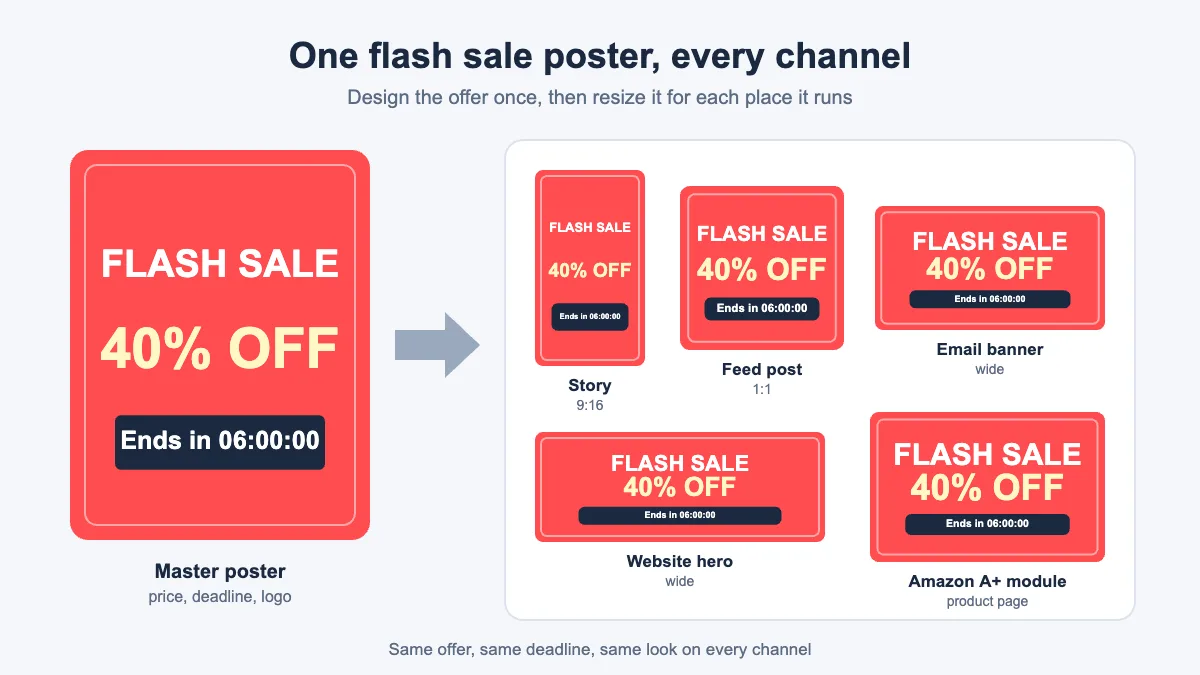
Flash sales leave little room for error. A new price, a shorter deadline, or a stock update can make last week’s banner misleading within hours, and several channels often need the same change at once. Manual updates across posters, listings, and banners make it easy for one file to fall behind.
Pollo AI helps sellers turn one approved offer into sale posters for each channel, so the price and deadline stay consistent. This guide explains how to plan those visuals with an AI poster generator in Pollo AI, adapt them for each channel, and check every detail before the sale opens.
Driving Traffic with a Professional AI Poster Generator
Flash sales require urgency and clear communication. Using the AI poster generator by Pollo AI, you can quickly create eye-catching ads for Instagram, Facebook, or email newsletters. The tool intelligently prioritizes your most important information—like the discount percentage and the “Shop Now” button—ensuring that the customer knows exactly what the offer is and how to take advantage of it. Pollo AI ensures that your posters are high-definition and ready for various aspect ratios, so you can launch a campaign across multiple social platforms simultaneously.
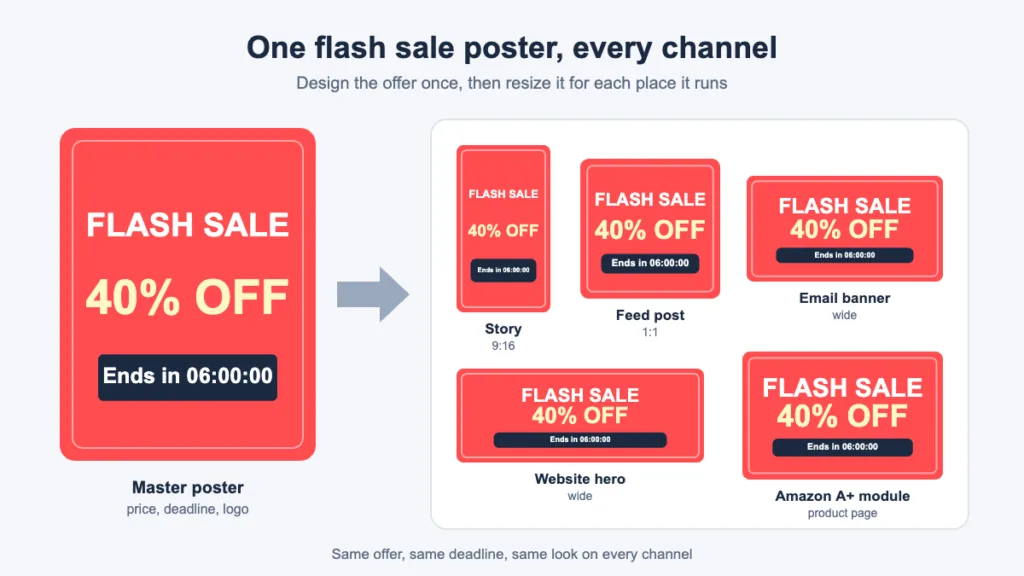
Adapt Sale Ads for Each Channel
- Clear hierarchy: Discount and countdown details stay prominent in the layout.
- Platform-specific sizes: Generate stories, feeds, or banners from one approved design.
- Brand consistency: Logo and product shots keep the same position across formats.
Flash sales often run on several channels in the same hour, so each file should trace back to one approved master. The AI poster generator supports output at several sizes, so you can regenerate only the sizes that change. Keep the discount badge in the same place across sizes, and make sure the text stays readable on the smallest screen.
Support the Sale with Amazon A+ Content
The promotional poster attracts attention, but the product detail page needs to answer deeper questions. Shoppers may want to understand features, materials, usage scenarios, dimensions, compatibility, or differences between product variants.
Once the main promotional direction is approved, generate Amazon A+ content in Pollo AI to organize supporting product information into detail-page modules. The poster may focus on the sale price and deadline, while A+ content can include:
- Product benefits;
- Feature comparisons;
- Usage scenarios;
- Detail images;
- Specifications;
- Materials or care information;
- Shipping or product guidance.
The same campaign brief should guide both assets. Product names, features, colors, and claims must remain consistent between the poster and the detail page. However, the layout and information depth should change because a flash sale visual and an A+ module serve different purposes.
Connect Promotion and Product Information
The poster should encourage attention without trying to explain the entire product. A+ content can then provide the information needed for product evaluation. For example, a sale poster may show the price and a short benefit, while the detail page explains materials, dimensions, use cases, and product comparisons.
This division prevents the promotional visual from becoming overloaded. It also gives the team a clearer review process because each asset has a different purpose in the shopping journey.
Review Every Sale Asset Before Launch
Flash sale mistakes can be especially disruptive because the campaign is time-sensitive. Check:
- Sale and original prices;
- Discount percentage or code;
- Start and end time;
- Product variant, size, and color;
- Inventory and shipping conditions;
- URLs, buttons, and QR codes;
- Product claims and required disclaimers;
- Mobile readability and platform dimensions.
Compare the poster with the product-page visuals and Amazon A+ content modules. Verify that the same product information is being used throughout the campaign. Review the price and deadline on a phone, desktop screen, and any paid placement where the asset will appear.
The final design should make the offer easier to understand rather than create additional uncertainty. If a generated product label, number, or claim is inaccurate, correct the source information and revise the affected asset before publication.
Summary: Coordinate Flash Sale Content with Pollo AI
A flash sale campaign works best when promotional visuals and product-page information support the same offer without duplicating the same layout. Use an AI poster generator for attention-focused sale assets and Amazon A+ content for detailed product information after shoppers reach the listing. Keep prices, deadlines, product claims, links, and variant details in one approved source so every channel uses the correct information.
Review the poster and product-page modules at their actual display sizes, and adjust each format for its audience and platform requirements. Pollo AI gives e-commerce teams a practical way to coordinate promotional and product-page content while keeping final accuracy checks in human hands.
